Unplug
Come back to your day.
Unplug helps you spend less time in the apps that pull you in. Your chosen apps stay paused, you get a small daily allowance, and short mindful breaks replace endless scrolling. No account, no ads, and nothing leaves your phone.
Coming soon to Google Play
Unplug (Play Store title: Unplug: Screen Time & Focus) is being prepared for release on Google Play. It is meant for people aged 13 and over. Unplug has no account, no ads and no internet permission, and its data practices are described in a dedicated privacy policy.
No internet permission
Unplug cannot send anything over the internet. The app does not ask for that permission.
Nothing leaves your phone
Your settings, your time and your garden stay in Unplug's private storage on this phone.
No ads, no account
No analytics, no advertising and no sign-up. Uninstalling Unplug deletes everything it stored.
Small steps, back to what matters.
- 01
Choose your apps
Pick the apps that take more of your time than you would like. Calls, messages and Android Settings always stay available.
- 02
Set a daily allowance
Start with 30 minutes, or choose your own. Only the time you spend in your chosen apps counts against it.
- 03
Pause before you open
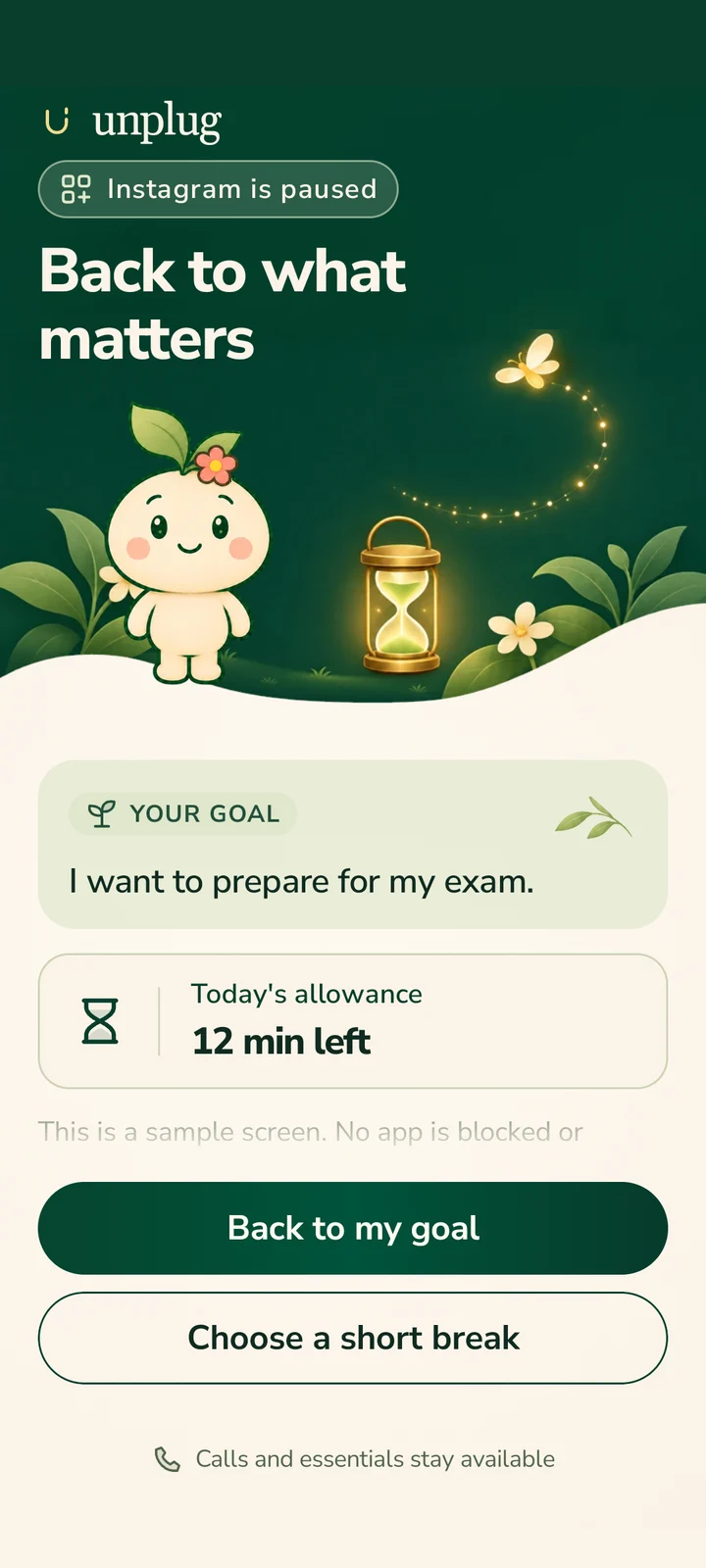
When a chosen app opens, a calm pause screen shows your own reason, a moment to breathe and a simple choice: back to your goal, or a short break.
What Unplug does, and how.
Your apps and daily allowance
One allowance for the apps that take your time.
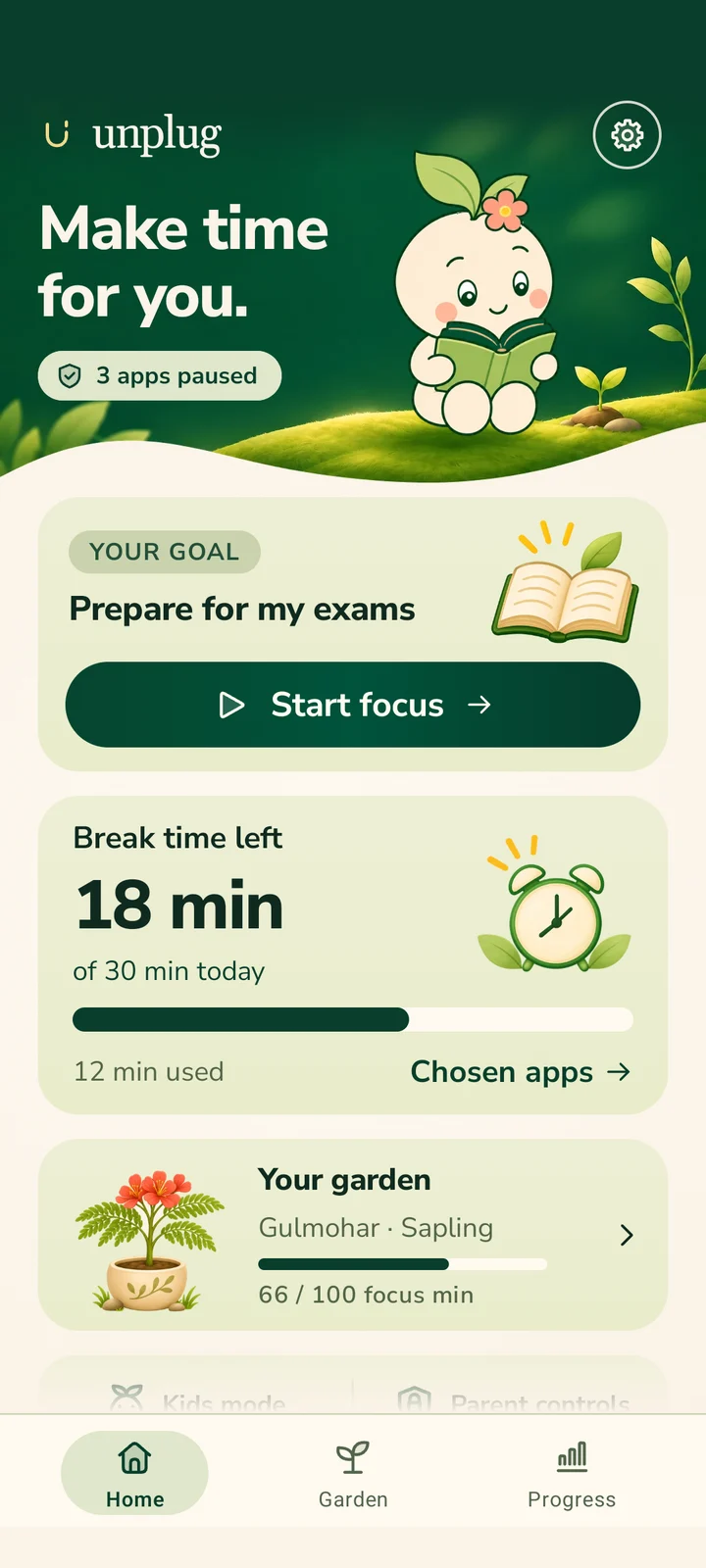
Choose the apps you want to use less. Set one daily allowance for them, 30 minutes to start, or your own number.
When it runs out, your chosen apps stay paused until tomorrow. You can spend the allowance in short breaks when you need them.
Focus sessions and the Garden
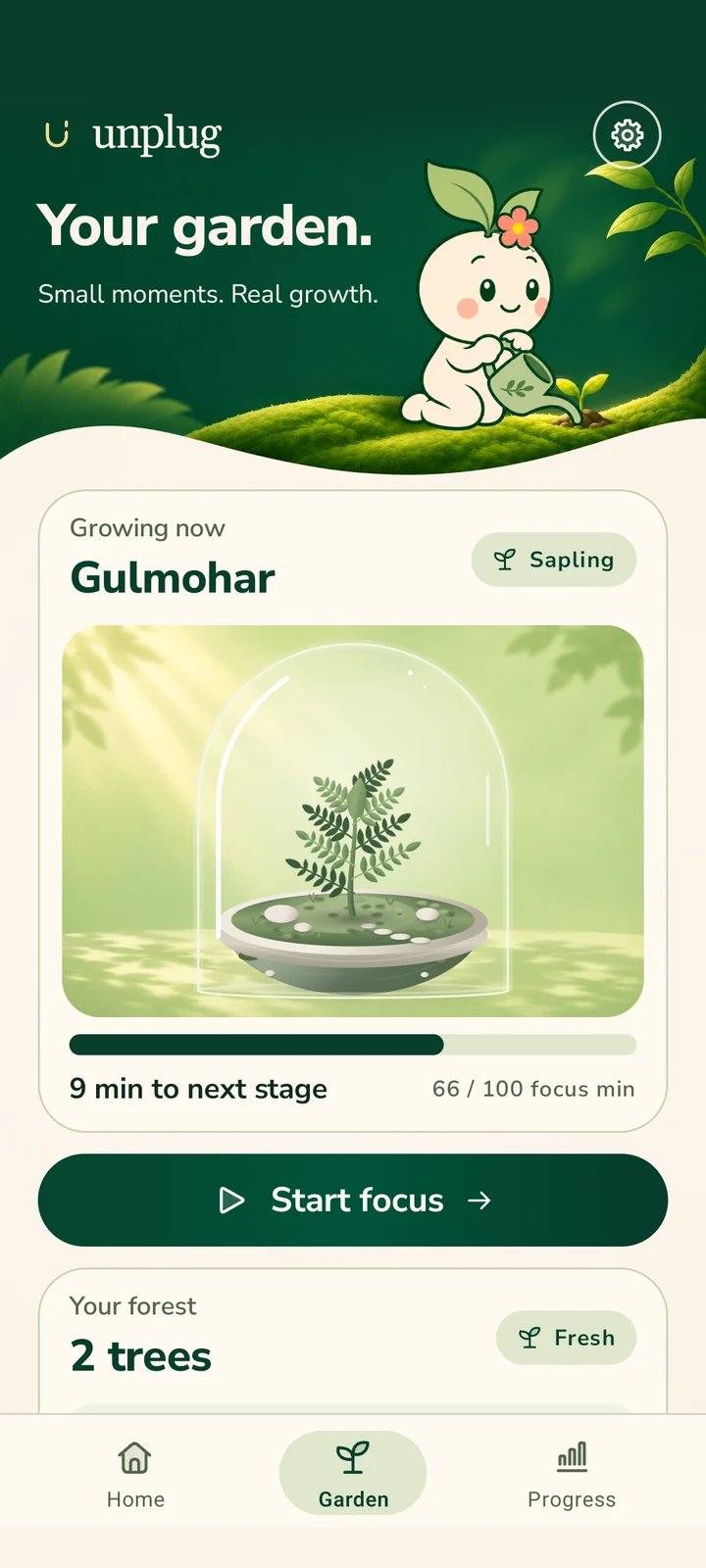
Every focus session helps your garden grow.
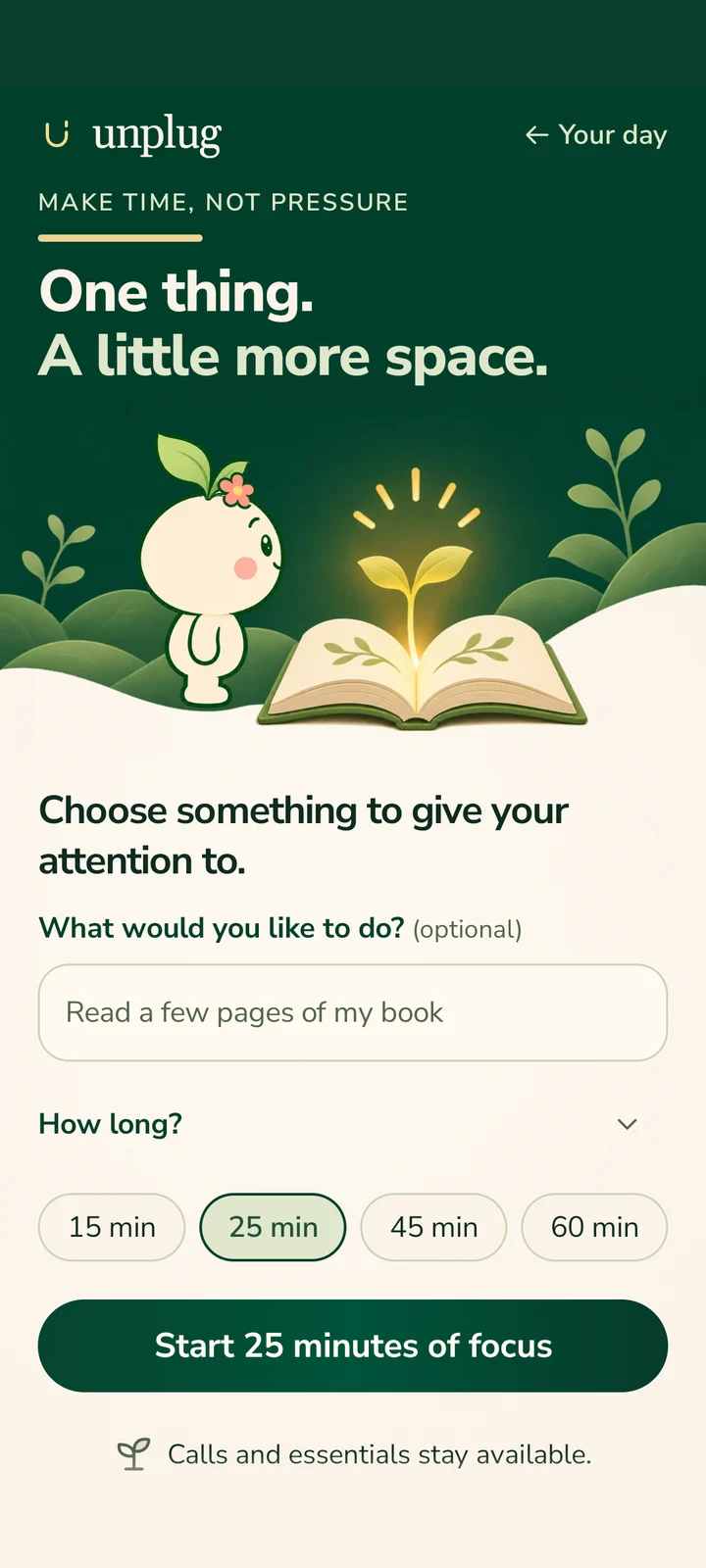
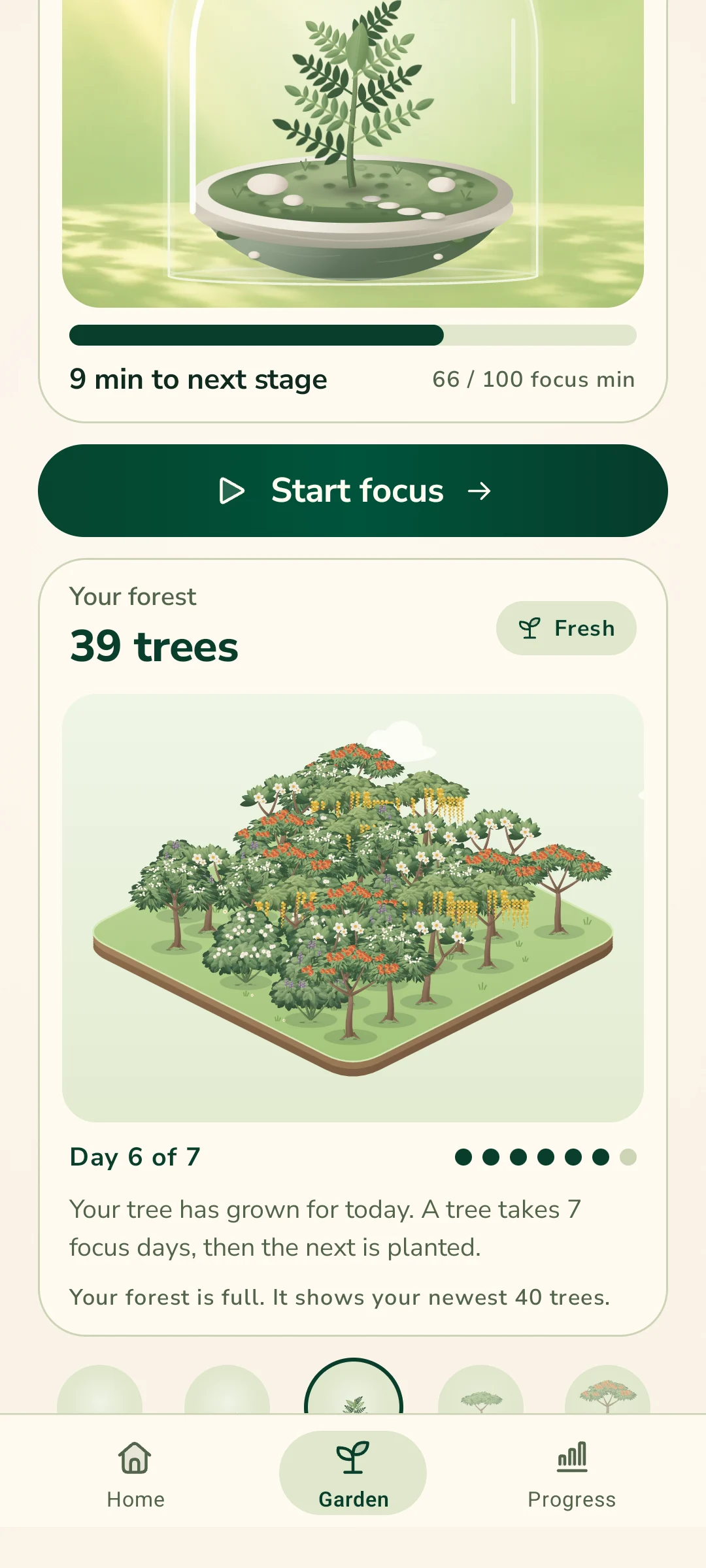
Start a focus session. Every 25 focused minutes grows the plant in your jar one stage.
The garden plant never loses its progress, and a session you end early still counts the minutes you focused.
Your forest
A tree for each week of steady focus. Free for everyone.
A day with at least 5 minutes of focus grows your young tree one step. After seven focus days it is fully grown, and the next seed is planted.
Days without focus send the tree back: it loses its leaves, then dries out, and on the seventh missed day it dies. One focus day brings every tree back. The forest holds up to 40 trees, on a plot you can turn and tap.
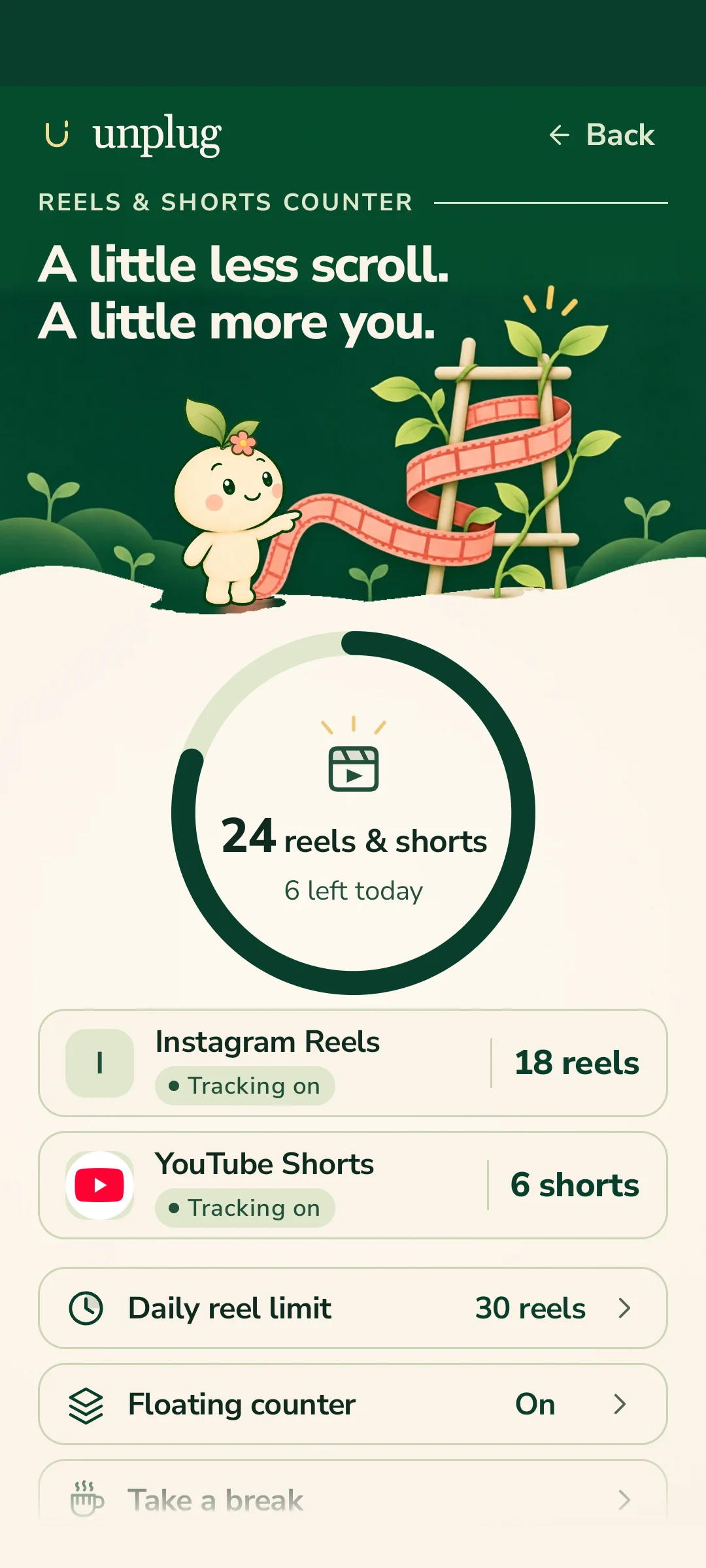
Reels and Shorts counter
See how often you swipe past reels and shorts.
In the apps you choose, such as Instagram and YouTube, Unplug counts the reels and shorts you swipe past. A small counter can stay on screen, and an optional daily nudge reminds you of your limit.
It reads the scroll position only, never the video or the text. With Unplug Pro, Stop Reels & Shorts stops them at your limit and leaves the rest of the app open.
Video today and your week
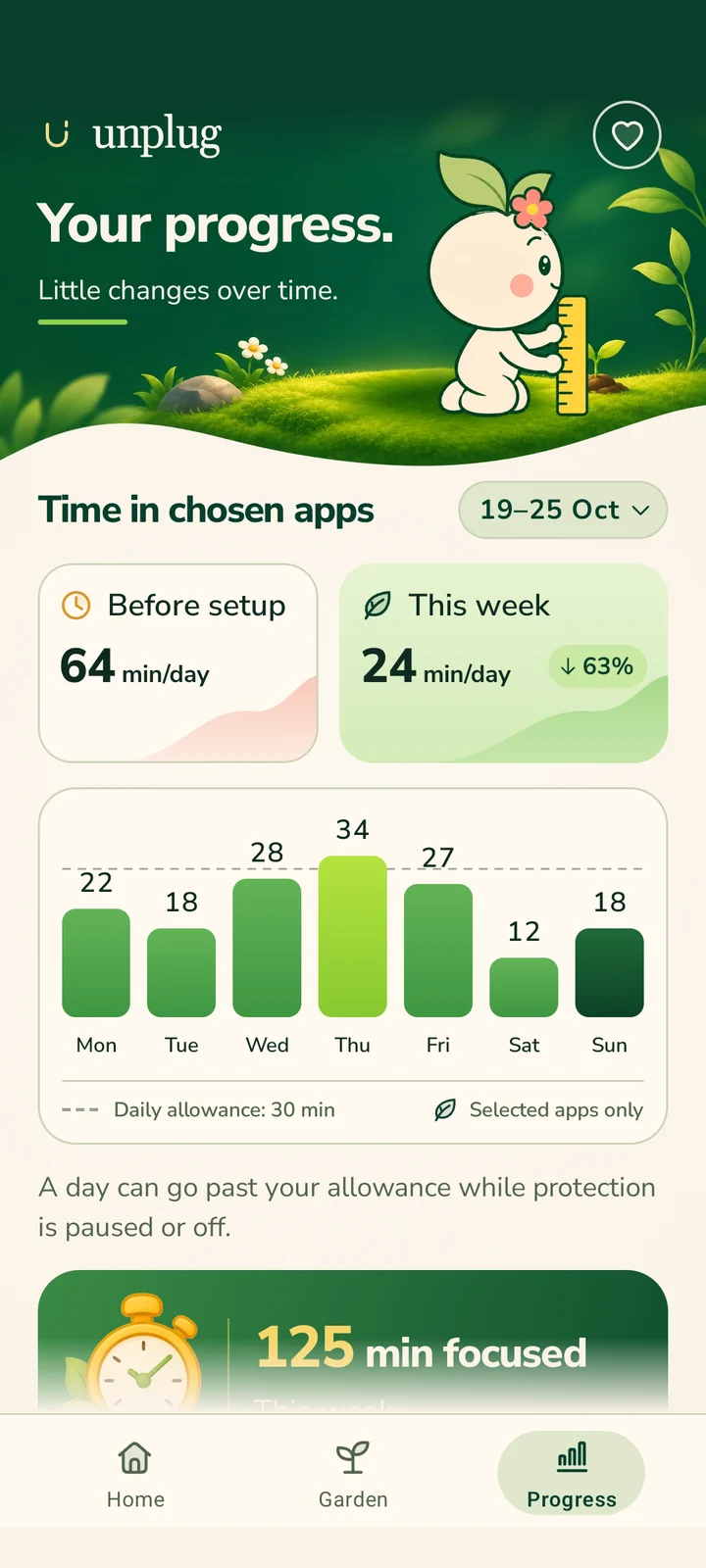
See how much of your day goes to watching video.
Video today shows the minutes you spent watching in the video apps you choose. It counts while the app is open and playing sound.
Progress shows your week at a glance: time in your chosen apps against your allowance.
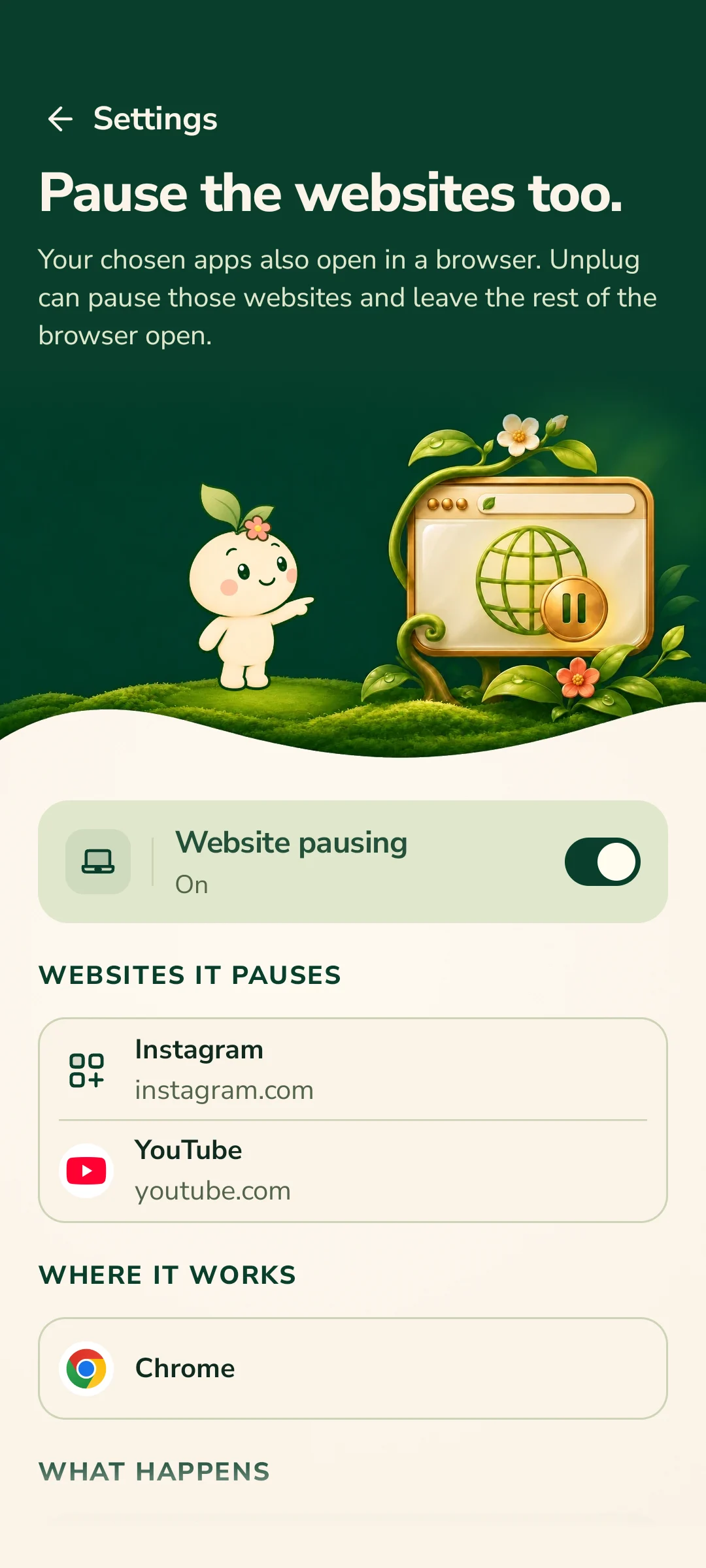
Website pausing
Pause a chosen app's website, and leave the browser open.
Turn it on in Unplug, then switch on the separate “Unplug website pausing” service in Android's Accessibility settings. When a chosen app's own website opens in a supported browser, such as instagram.com or youtube.com, a calm pause screen shows. The rest of the browser stays open.
It reads only the web address at the top of the browser, checks it on your phone, and never saves or sends it. It never reads the page, what you type, messages or passwords. It is optional and off until you turn it on.
Bedtime
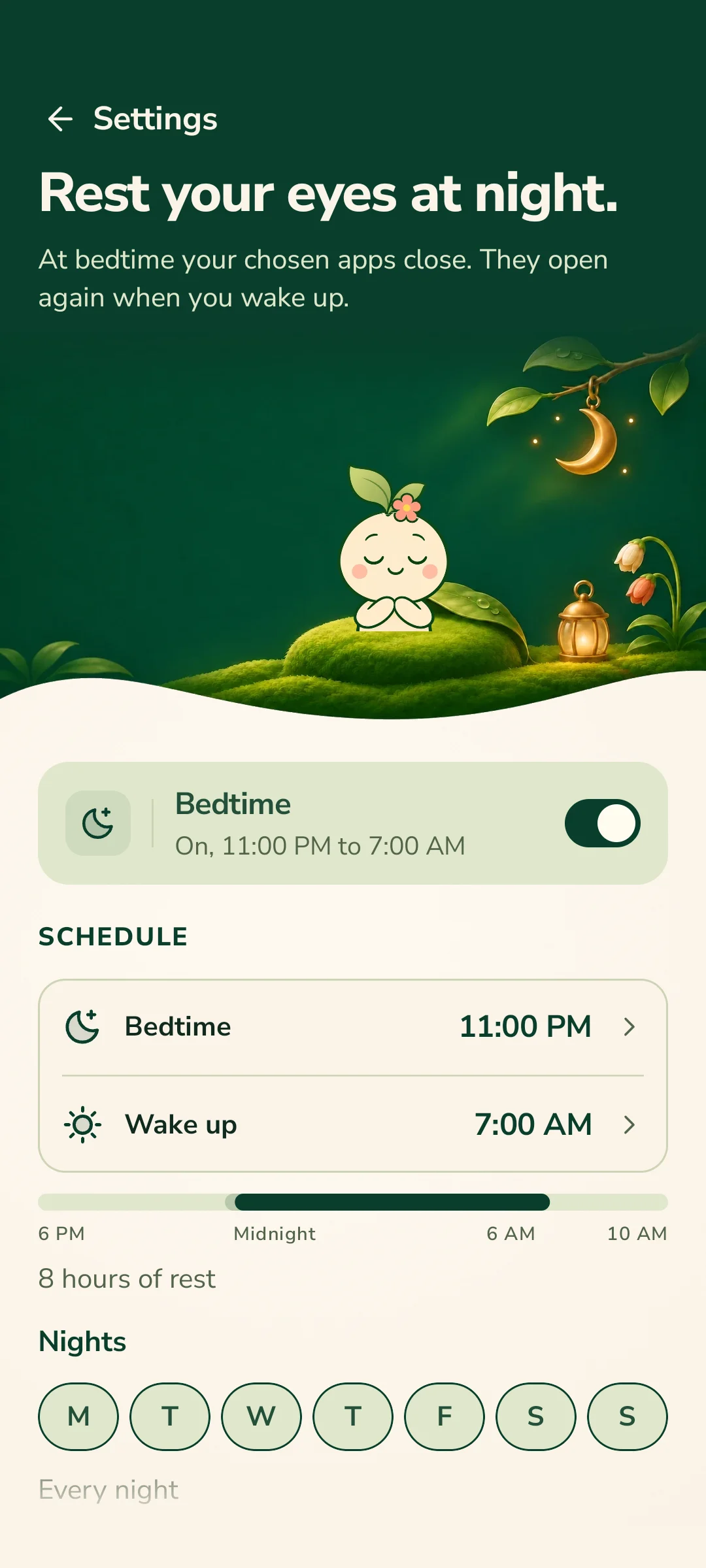
Your chosen apps rest at night.
Set a bedtime and a wake-up time. Between them, a rest page shows when a chosen app opens. One short break is allowed in the night.
Optionally, with Do Not Disturb access, Unplug turns on Do Not Disturb at bedtime and puts your own setting back at wake-up.
Kids Mode and parent PIN
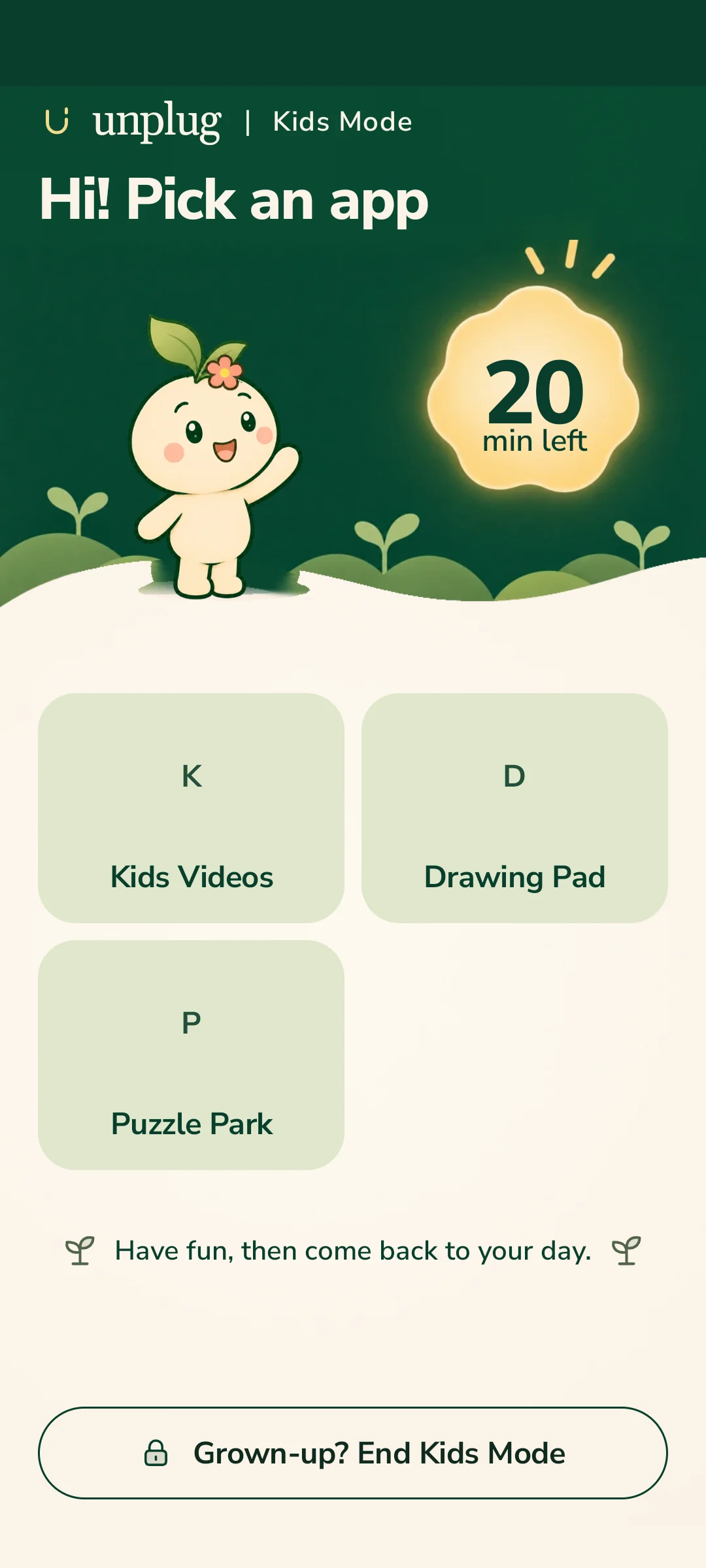
Lend your phone to a child, with your own apps kept closed.
Kids Mode keeps open only the apps you choose. Your payment, shopping and personal apps stay closed, and you can set a time limit. On Android 11 and later, Settings stays closed too.
A parent PIN protects your settings. Ending Kids Mode asks for your phone's screen lock. It all works on the phone itself, with no account and no tracking.
Unplug Pro
Unplug is free to use: it blocks up to 3 apps and keeps your daily time, breaks, goal, two focus sessions a day, your garden, your forest and the Reels & Shorts counter. Paying never loosens a limit.
- Stop Reels & Shorts, and keep the rest of the app
- Website pausing for your chosen apps
- Any number of chosen apps
- Unlimited focus sessions
- Kids Mode for a borrowed phone
- Parent mode for a child’s phone
- Every week of progress
- A new plant after each bloom
Unplug Pro is a subscription sold through Google Play, under Google’s terms. The price is shown on Google Play. Unplug never sees or stores your payment details.
Meet Pankhuri
A small sprout who keeps you company through the day: waving hello, holding the clock during a break and resting in the garden when you focus. Pankhuri cheers you on and never scolds.

Private by design.
- Publisher
- Veriscribe
- Development
- Subrat Sharma
- Platform
- Android
- Account
- None needed
- Ads and analytics
- None
- Your data
- Stays on your phone
- Audience
- Ages 13 and over
Support and policies
Published by Veriscribe. For questions, bug reports or privacy requests, email contact@veriscribeanalytics.com. Please do not send passwords or unnecessary personal information.
Let's build what's next—together.
We are open to partnerships, collaborations and meaningful opportunities. Reach out to explore how we can create impact together.